 Motion
Beta
Motion
BetaYour screen recordings.
Now a commercial.
Effective product videos in seconds. All on your Mac.
Free during beta • macOS 26+ • 20MB
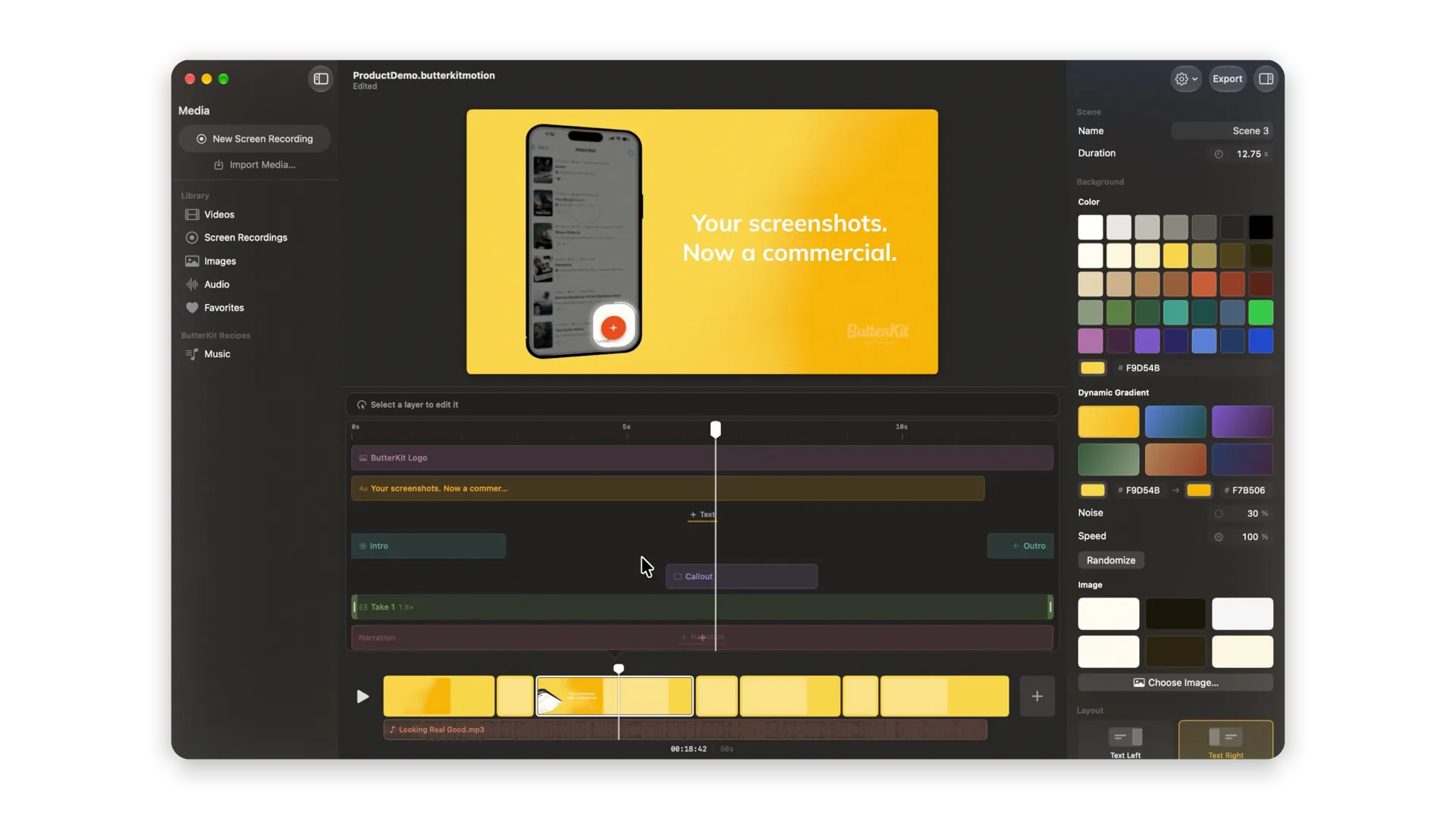
Product videos that sell. Record your app and polish it into a professional video in seconds.
Beta questions, answered
What is ButterKit Motion?
A different kind of screen recorder for busy developers. Capture, edit, export – all in seconds. And in a macOS tool you can own, rather than a web tool you don’t.
Is ButterKit Motion free?
Yes, completely free while it’s in beta. Pricing comes with the 1.0 release. It’s important to me that it’s very competitively priced with a one-time purchase option (so folks can own their tools), or optional subscription to support ongoing development.
What are the system requirements?
ButterKit Motion requires macOS 26 Tahoe or newer, due to the APIs it uses. Apple Silicon (M1 or newer) is recommended for the smoothest playback and export.
How is ButterKit Motion different from ButterKit?
The original ButterKit app creates, localizes, and publishes App Store screenshots. ButterKit Motion brings your app to life with animated product videos you can export for App Store previews, launch posts, and your website. They are separate apps under the ButterKit brand, and they pair well together.
Where do I report bugs or request features?
The ButterKit Discord and the r/ButterKit subreddit are the fastest ways to reach me during the beta.