Changelog
Join the ButterKit community on Reddit or the ButterKit Discord server to help shape the next release.
v1.4: Introducing Device Overflow
Since ButterKit was released earlier this year, many users have requested an easier way to render 3D devices across multiple artboards! It makes sense: trying to align devices manually is harder than it sounds, largely because of camera perspectives. With traditional design tools, this would generally require multiple renders, cropping, and careful compositing, making edits expensive/time-consuming.
That’s why ButterKit v1.4 is so exciting! It does a ton of hard work for you, and it does it in realtime using Metal – no waiting for renders, no cropping, no compositing. So you can focus on showcasing your app, rather than technical renders.
Release notes:
- Device Overflow is a new way to quickly create stunning designs with 3D devices that span across multiple artboards, rendered in realtime using Metal. Learn how to use Device OverflowNEW
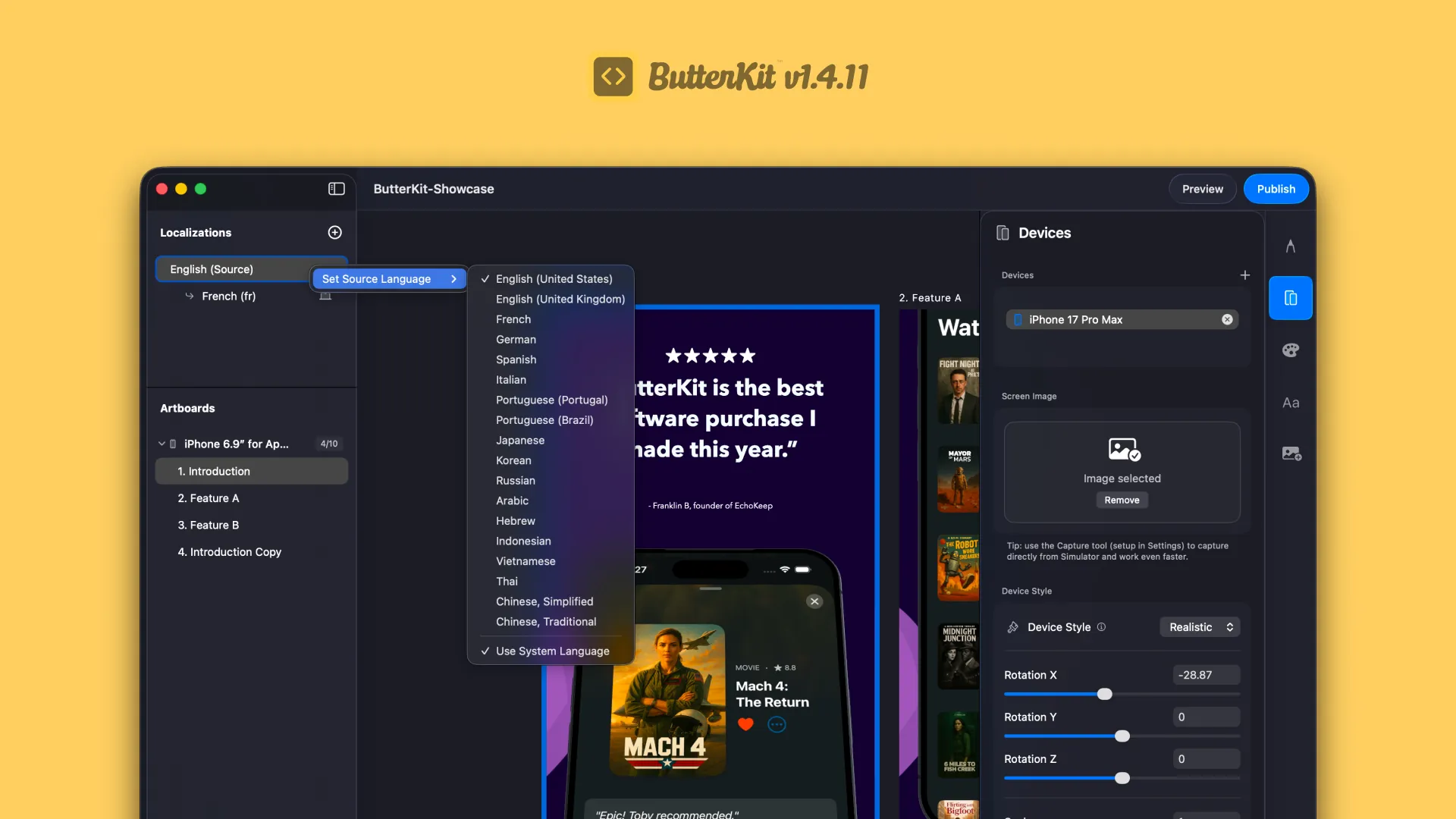
- Bonjour! ButterKit is now available in FrenchNEW
- ButterKit app icon for tinted/dark modes now appears correctly (thanks Franklin!)FIX
- Improved reliability of “Clay” and “UI only” 3D rendering modesFIX
- UX/UI improvementsFIX
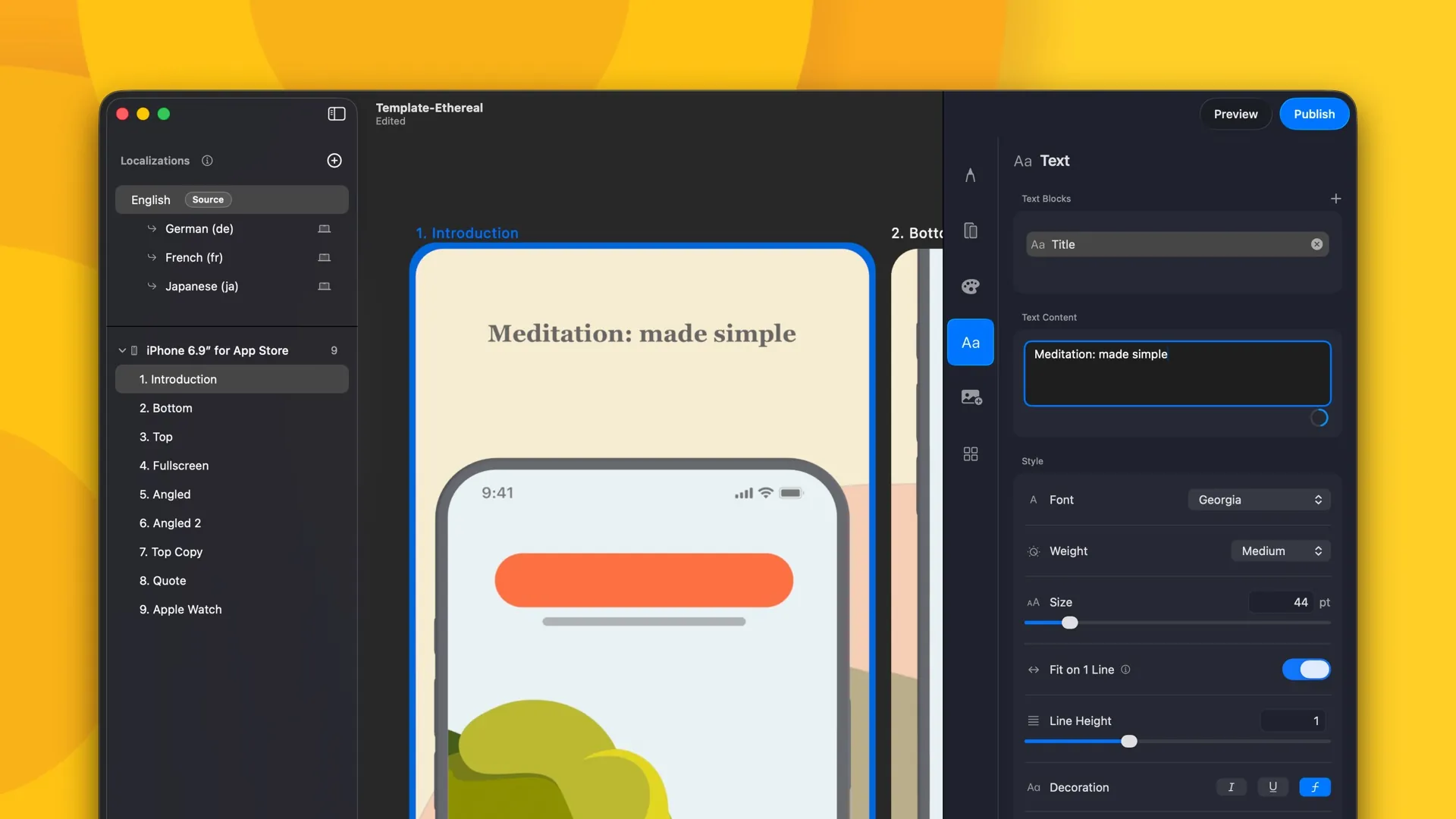
Text line-height, background image controls, and UX improvements
- New: text editing now supports line-height and ability to enable/disable ligatures (thanks Edvinas for the feedback!)
- New: quickly copy text blocks to other artboards by right clicking on the text block in the Inspector and selecting “Copy to…”
- New: variant artboards can now override background styles. Thank you Alper for the feedback and patience on this!
- Improved: custom background images are now available to other artboards in the Background Inspector, making it easier and faster to reuse assets
- Fixed: issue where English metadata uploaded to App Store Connect would sometimes default to the wrong locale code (thanks Franklin!)
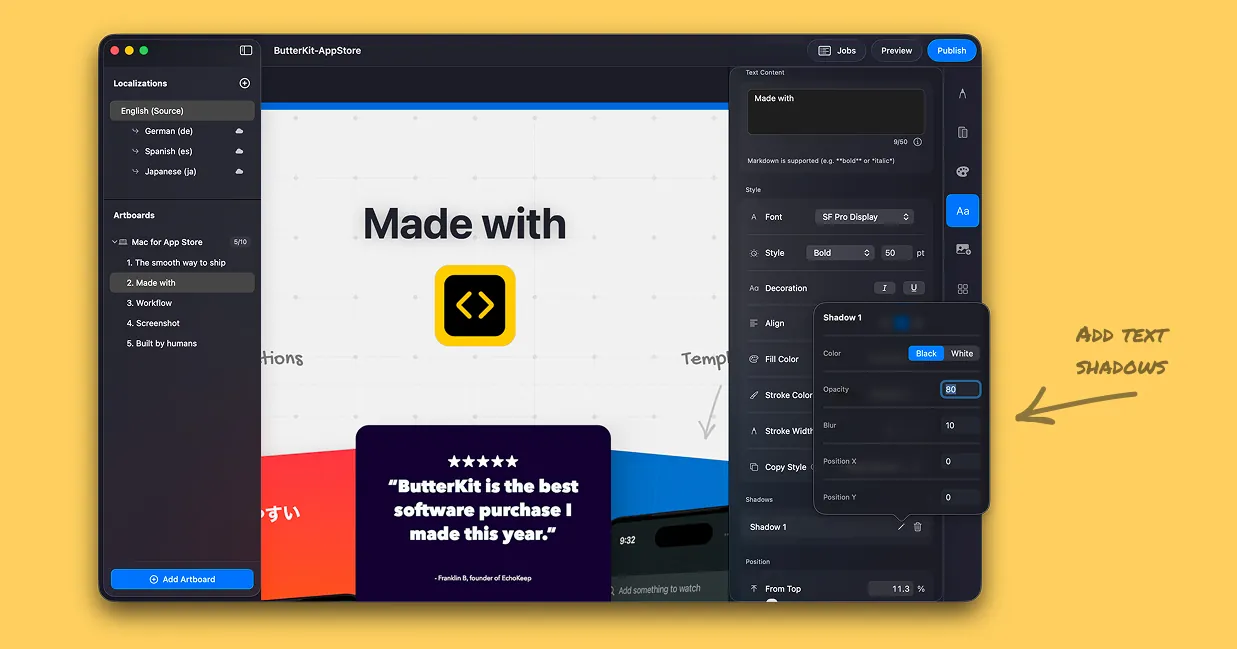
Text shadows, text strokes, UX improvements
New text shadows, strokes, and more
- New: text shadows and text strokes! Give it a try: just open up the text section in the Inspector
- New: use arrow keys to make adjustments on input fields, and combine with ‘option’ or ’shift’ for smaller/larger adjustments
- New: Added ability to quickly copy 3D models between artboards. To do so, open up the Devices section in the Inspector, right click on a 3D device you want to copy, and select “Copy to…”. This copies the 3D device and its properties (e.g rotation, position, image) to the selected destination artboard.
- Improved: Capture Tool is now more robust with multiple versions of Xcode
- Improved color accuracy for exported images
The big v1.3 October Update 🎃 App Store metadata uploads, support for additional models, bug fixes and much more!
- New: ButterKit can now translate and upload App Store Connect metadata (such as Promotional Text, What’s New, and Description) directly to App Store Connect! Thanks to all who gave feedback on this. This feature is still in early access, so please share any feedback or issues.
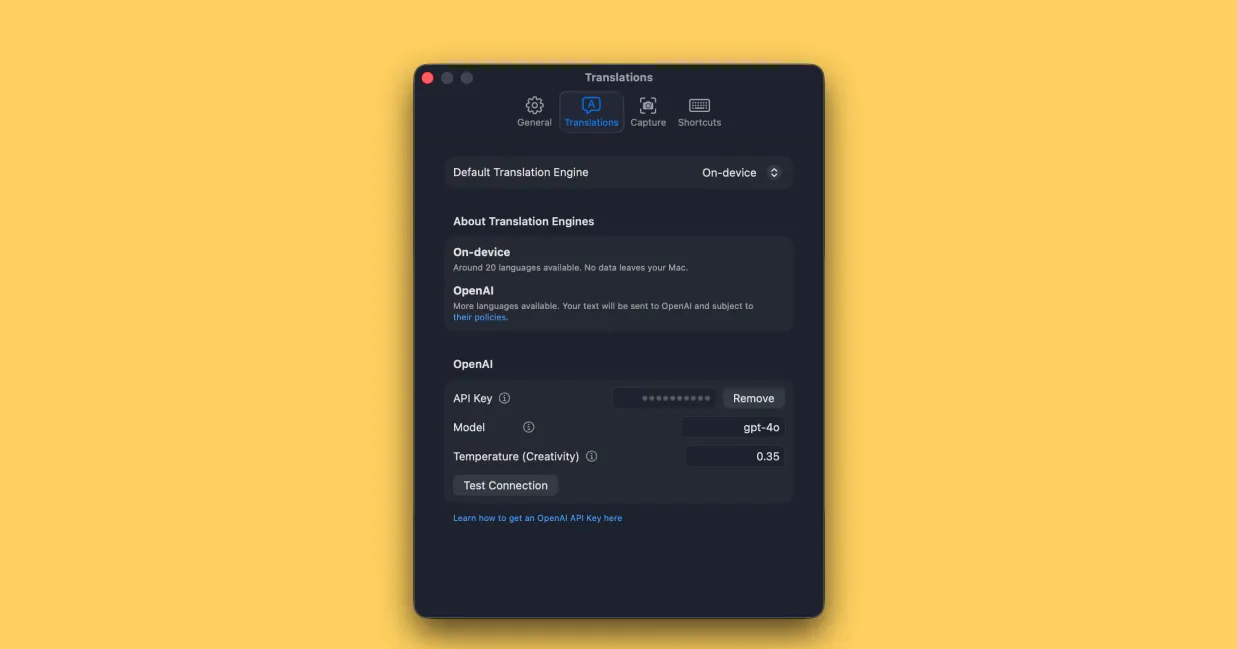
- New: Plug into hundreds of additional models with support for Gemini, Anthropic, and OpenRouter. You can also add custom OpenAI-compatible models. Thanks, Kim, for the nudge!
- New: ButterKit has a buttery new look. Updated logo, icon, and brand colors to deliver more clarity, richer color, and extra energy throughout the app.
- New: added ability to duplicate text blocks for faster editing, and adjust text padding for localized artboards (thanks Jordan for the feedback here!)
- New: Copy, cut, and paste artboards between documents
- New: Pixel 10 Pro 3D model
- New size preset: iPhone for App Store (6.5”)
- Improved: settings, onboarding, Undo/Redo handling
- Improved: images can now be repositioned directly on the canvas. Just select the “Image” tab in the inspector to try it
- Fix: issue where App Store Connect uploads would sometimes be in the wrong order
- Fix: if an App Store Connect image upload fails, ButterKit now automatically retries — and if it fails again, an alert is shown
- Fix: issue where uploading to App Store Connect would sometimes choose the wrong region (e.g. en-GB -> en-US)
- Fix: issue where App Store Connect uploads could fail for Italian localizations due to an API mismatch
- Konnichiwa! 🇯🇵 ButterKit now in Japanese, joining English, German, and Spanish (more coming soon)
New: Add custom images to artboards
- New: easily add custom images (e.g. logos, graphics, illustrations) to your artboards (thanks to all who requested this and provided feedback)
- To get started, just click the new “Images” tab in the Inspector
- Improvements to onboarding and license activation
- As this is a new feature, please share any feedback!
Stability improvements
- Fixes issue where landscape screenshots would often appear squished (thanks to Jan and others for the help on this!). ButterKit now analyzes imported images and correctly applies the orientation
- Fixes issue where Export / Preview thumbnails were sometimes inaccurate (showing the wrong 3D device etc)
- App Store Connect log now shows up to 500 lines at a time
- Improves license activation process
- ¡Hola! ButterKit is now localized to Spanish
- New: Capture Tool troubleshooting tool
- If you’re not seeing the Capture Tool next to Simulator, try the troubleshooting tool in Settings > Capture for more info
Improved 3D models, mouse navigation, ASC API fixes
- Fixed issue where uploading to App Store Connect would fail on some localizations
- Improved 3D models for iPhone and iPad: now more accurate and photorealistic
- iPhone materials adjusted to reduce glare
- iPad materials adjusted to reduce glare, bezels and corner radius refined
- Fixed issue where lighting was too intense and caused some devices to appear grey (thanks Sergio!)
- Lighting rig now uses more natural intensity
- Added ability to navigate the canvas with middle mouse button or by holding spacebar and dragging the cursor
- UX/UI improvements
New: customize variant translations
- Highly requested: you can now easily adjust translations on variant artboard e.g. if a translation is a bit longer than you would like for your design
- Improved performance when switching between localizations (reduced latency)
Improved navigation with the trackpad
- Pinch-to-zoom and general trackpad navigation is much smoother (more butter added!)
Performance/ RAM usage improvements, font fix, and German language support
- Fixes an issue where some recently installed fonts weren’t appearing in the Browse All Fonts list (thanks Mark!)
- Sigificant improvements to RAM usage/management when designing with multiple localizations
- Fixes an issue where ButterKit windows would continue using CPU even when in the background; it now properly pauses itself when not in use
- Guten Tag! UI is now fully localized in German (Deutsch), more languages coming soon
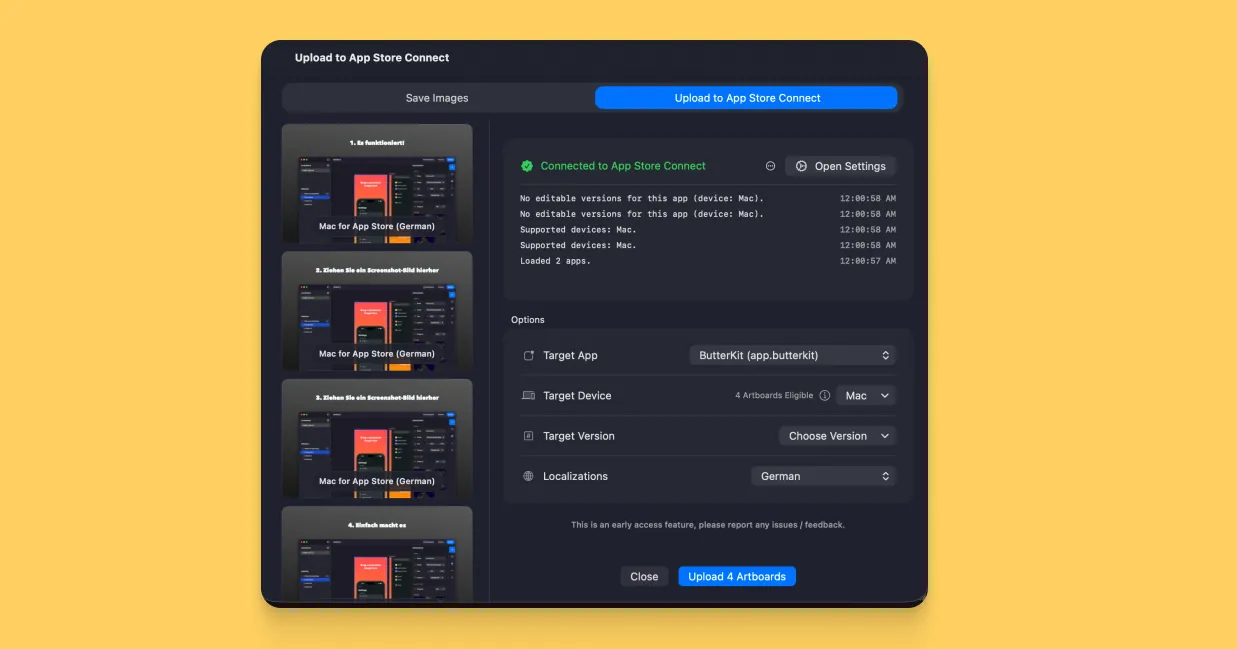
New: App Store Connect Uploads
One of the most requested features is rolling out today: direct App Store Connect uploads via the ASC API (think: Fastlane). You can now upload all of your screenshots directly from ButterKit to App Store Connect. Thanks to all who requested this and made suggestions. This feature is still in early access, so please forward any issues or feedback. Some other updates in this version:
- New 3D model: iPhone 17 Pro Max
- Significant improvements to 3D lighting: renderer now uses HDR for more full, vibrant lighting on 3D devices
- Preview functionality now works for iPhone, iPad and Mac
- Added alpha channel support for “UI only” style device images
- Improved iPad 3D model accuracy
- Fixed issue where ‘selected’ exports wouldn’t work properly
Upload your screenshots to App Store Connect directly from ButterKit
New: App Store Previews
App Store Preview functionality is rolling out today. Shout-out to everyone who requested this!
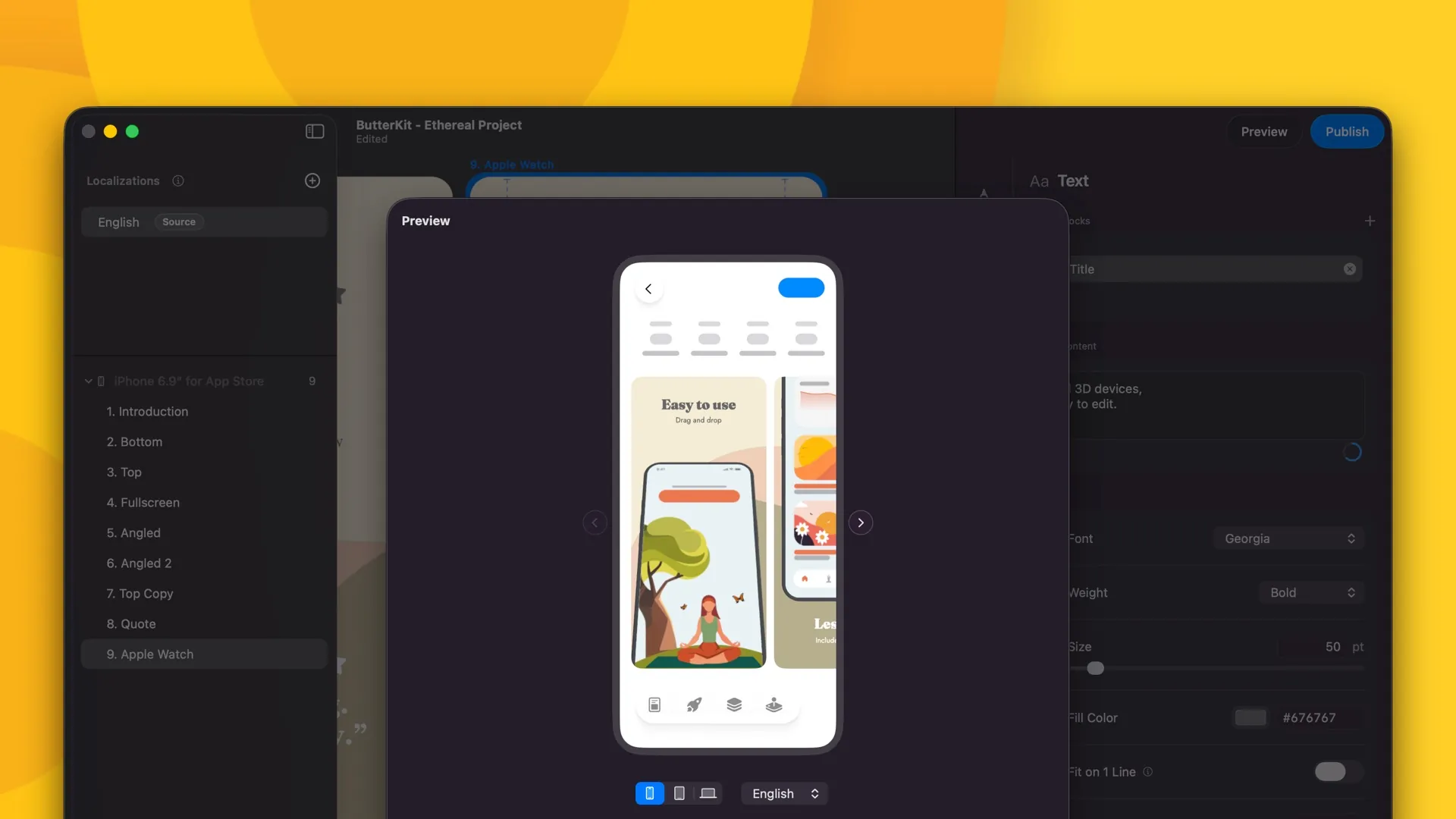
- Introducing App Store Preview: see how your design and layouts will look on the App Store before you export (works with iPhone for now, more devices coming soon)
- Improved Export Engine performance and settings
- Bug fixes: fixed an issue where selecting “System” theme wouldn’t completely swap theme (thanks Dave!)
- Update from ButterKit → Check for Updates (Mac App Store version will rollout pending approval!)
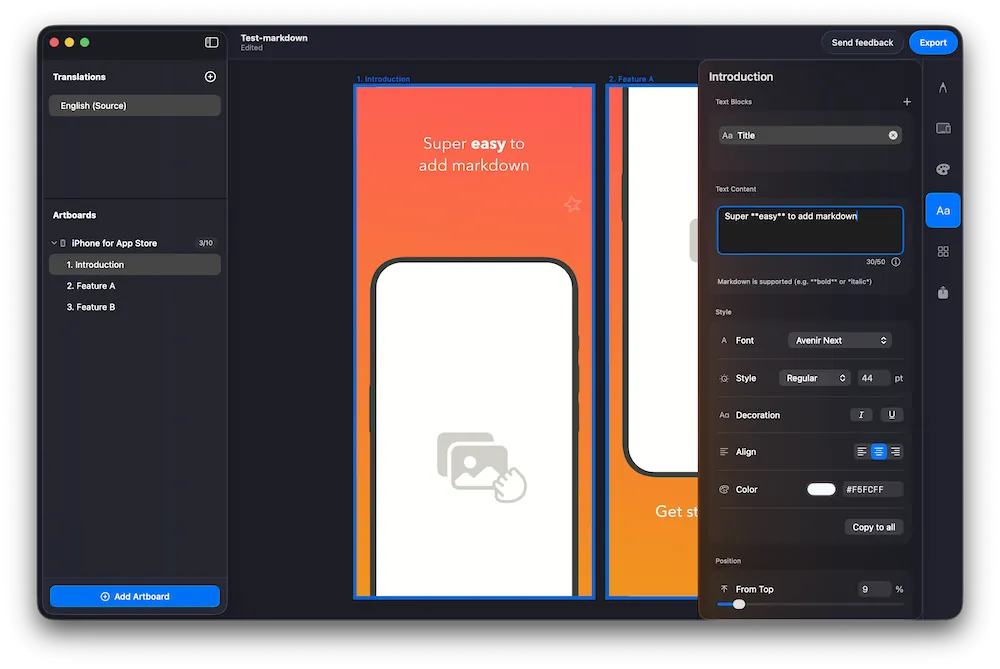
Added support for markdown
Thanks to a /r/butterkit reddit user request! You can now use markdown when editing text to emphasize certain words.
- Bold and italic markdown is supported and renders instantly onto your artboards. Hyperlinks and headings are ignored.
- Improved text editing UI when using markdown
- Markdown generally translates well using both the onboard and OpenAI translation engines, but remember to check your translations when publishing
- The canvas camera now retains user zoom level when selecting other artboards, and auto-zooms when selecting multiple to automatically frame the selection for convenience
- More details available in the docs
Use markdown in ButterKit for quick formatting
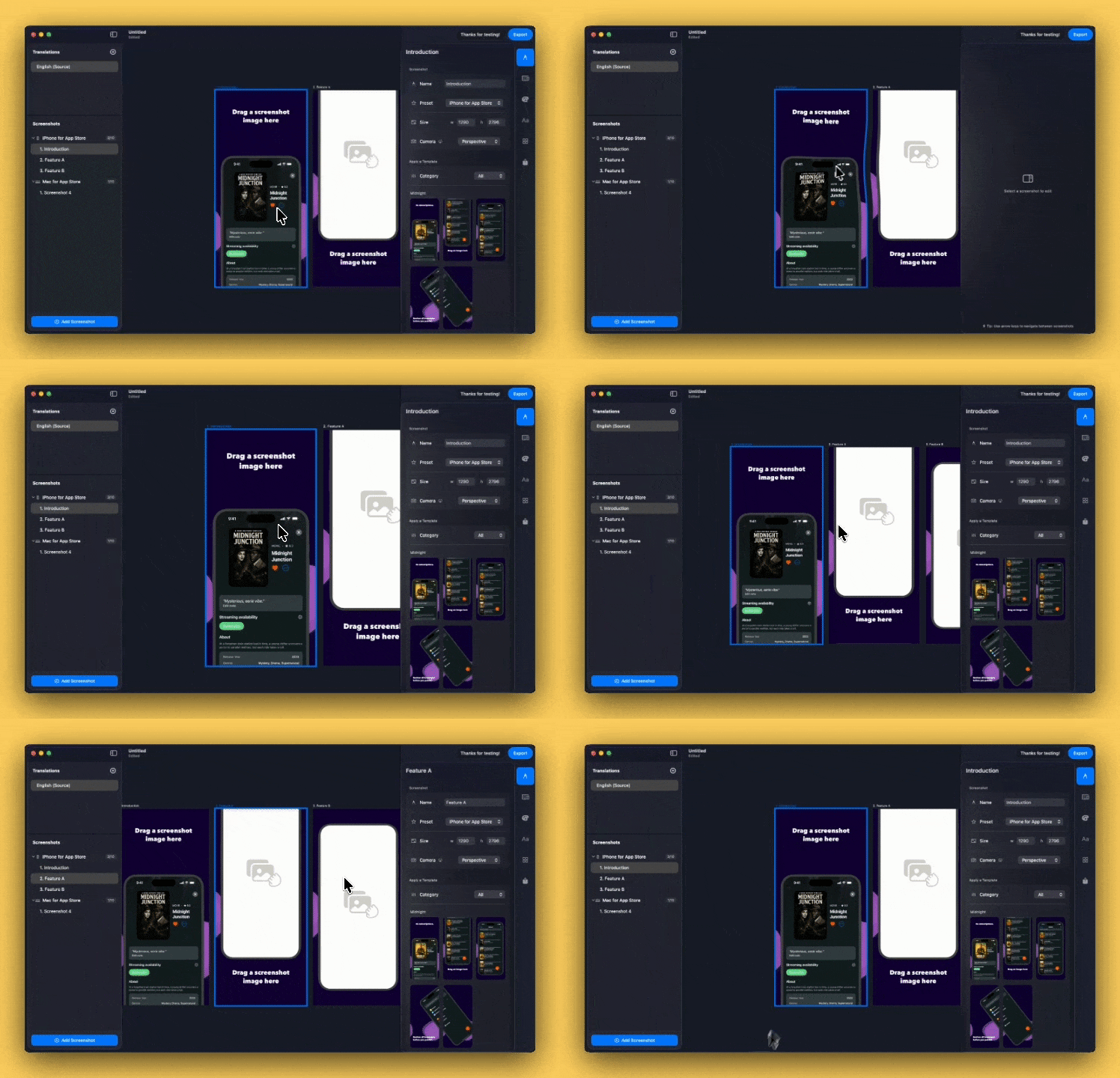
Improved zoom and pan behavior
Thanks to reddit (/r/butterkit) users! This release introduces smoother, more precise panning on the canvas and adds helpful ⌘+ and ⌘- keyboard shortcuts to quickly zoom in and out (in addition to the usual pinch to zoom). Also improved the translation language selection UI.
It's easier and smoother to explore the canvas
Added OpenAI support (bring-your-own API key)
Thanks to reddit (/r/butterkit) users! This release reduces the panning speed on the canvas and adds helpful ⌘+ and ⌘- keyboard shortcuts to quickly zoom in and out (in addition to the usual pinch to zoom). Also improved the translation language selection UI.
It's easier and smoother to explore the canvas