The App Screenshot Studio
Reach more users in minutes with stunning screenshots, automatic translation to 35+ languages, Xcode Integration, App Store Connect management & more
"ButterKit is, by far, the best app for this. It has sped up my workflow 100x" - Paul Boyce, founder at Sono+

ButterKit is an all-in-one workflow: capture → edit → translate → export (all in minutes)
Capture from Xcode
ButterKit integrates directly with Xcode to capture in seconds, edit with pro templates, translate, and export for App Store Connect all in one workflow. No more juggling multiple apps and windows!
Professional editing
Place your screenshots in photorealistic devices to get those polished screenshots that sell. ButterKit's realtime 3D rendering engine is built on Metal for 60/120fps editing on M-series chips.
Translate to 30+ languages
72% of users prefer apps in their native language.2 Translate to all 39 App Store Connect localizations in seconds, and designs stay synced across languages. Say goodbye to manually updating hundreds of artboards in traditional design tools.
App Store Previews
See how your app's story will look on every device and in every language. Tweak layout and designs before you export.
Upload to App Store Connect
When you're ready to publish, ButterKit automatically exports and uploads your designs and localizations directly to your App Store Connect account - in the correct order.
Templates and much more...
Designer templates, undo/redo support, file saving, hotkeys, light and dark modes, liquid glass, Metal hardware acceleration, and more.
Trusted by app makers around the world
Connect with fellow makers in the ButterKit Discord channel (invite included with Pro license)

“ButterKit is the first app I've seen that can generate really good results with relatively little effort. It was an insta-buy.”
“I don’t normally buy software but ButterKit was an instant purchase. I’ve tried so many screenshot tools and they were all too complex. I understood how to use yours in just 10 seconds.”
“Awesome stuff! ButterKit's translation and capturing directly from the simulator are awesome features! No brainer!”
“ButterKit is amazing. Instant buy! I love the simplicity and UX and glass design.”
“So valuable. This will totally replace Framous. Ability to use markdown is an amazing feature, and translations available right within the app, OMG!”
“Just picked up ButterKit! This is exactly what I was looking for to release my app.”
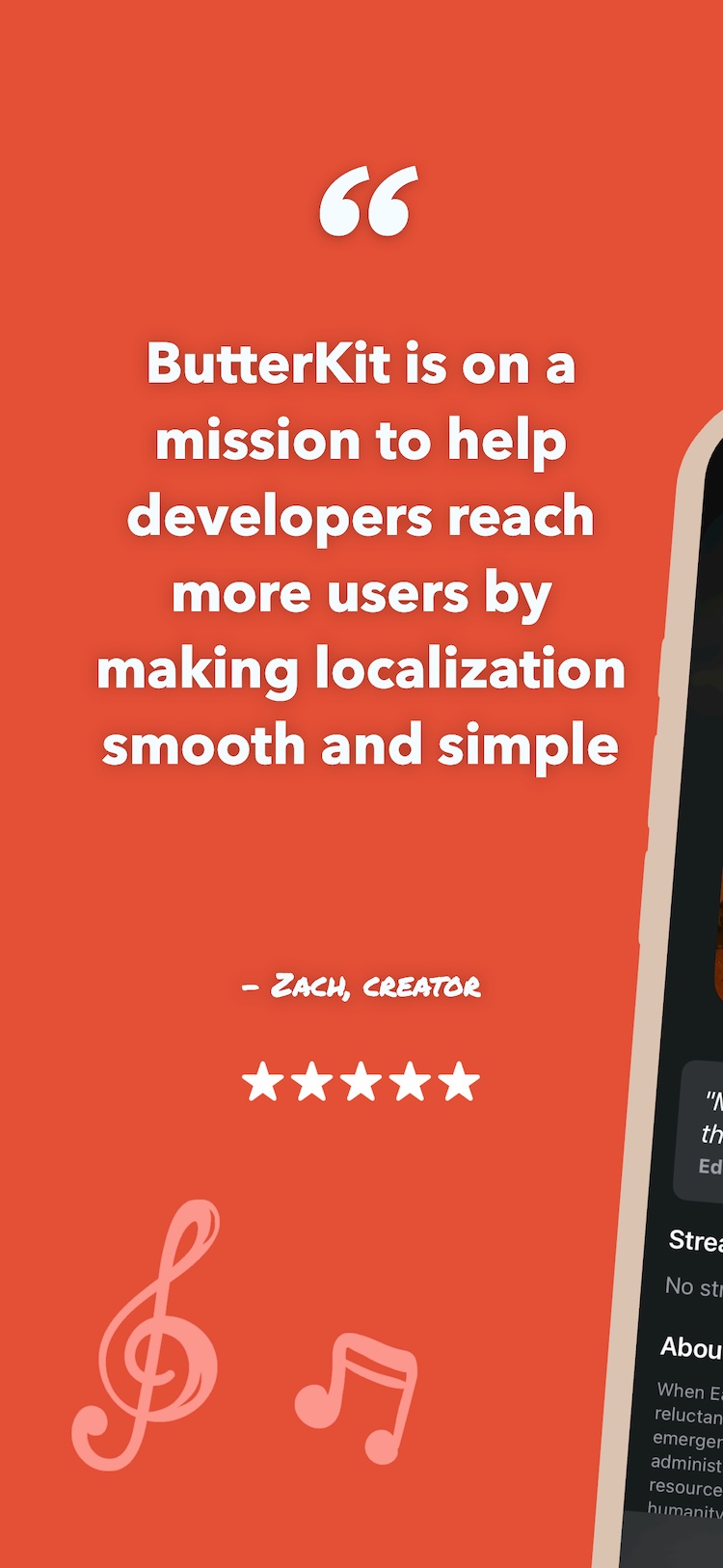
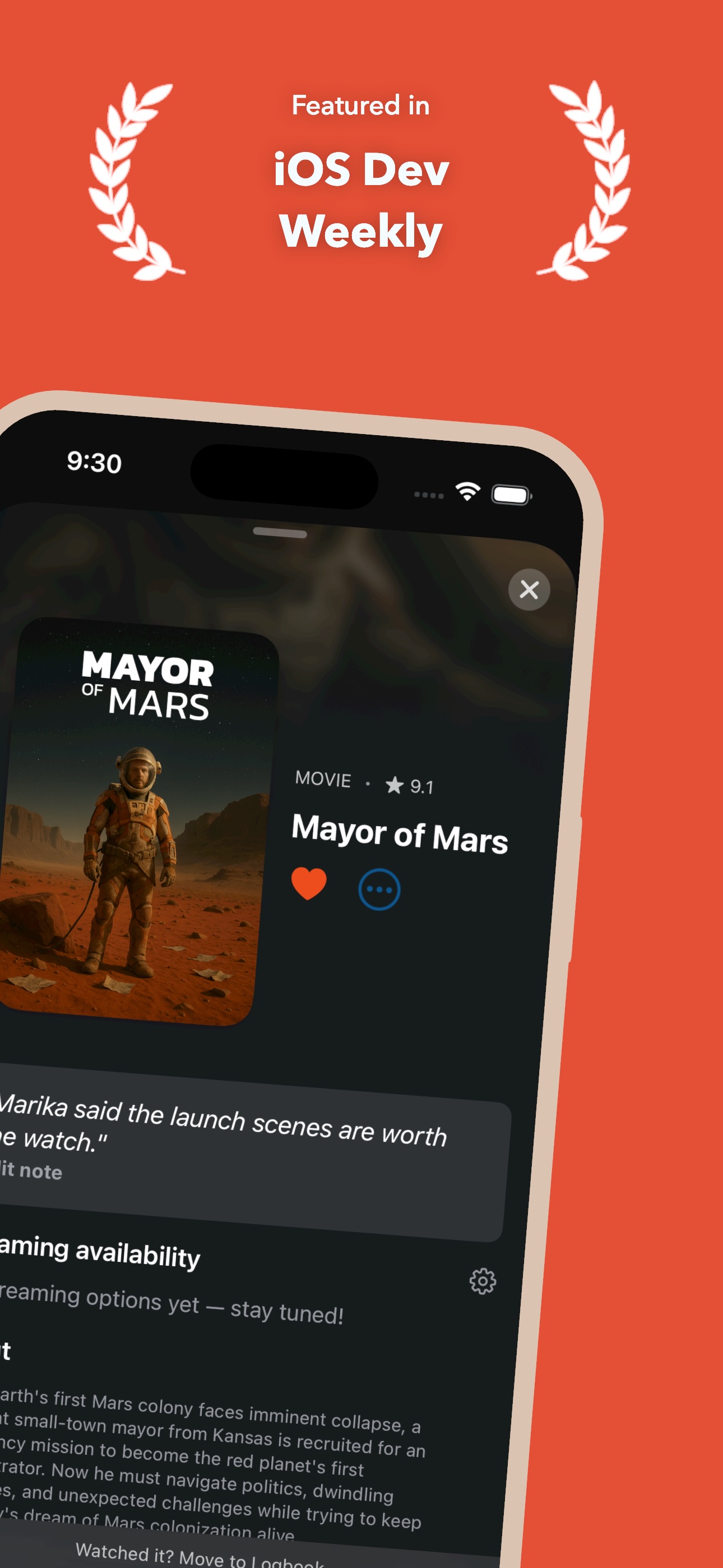
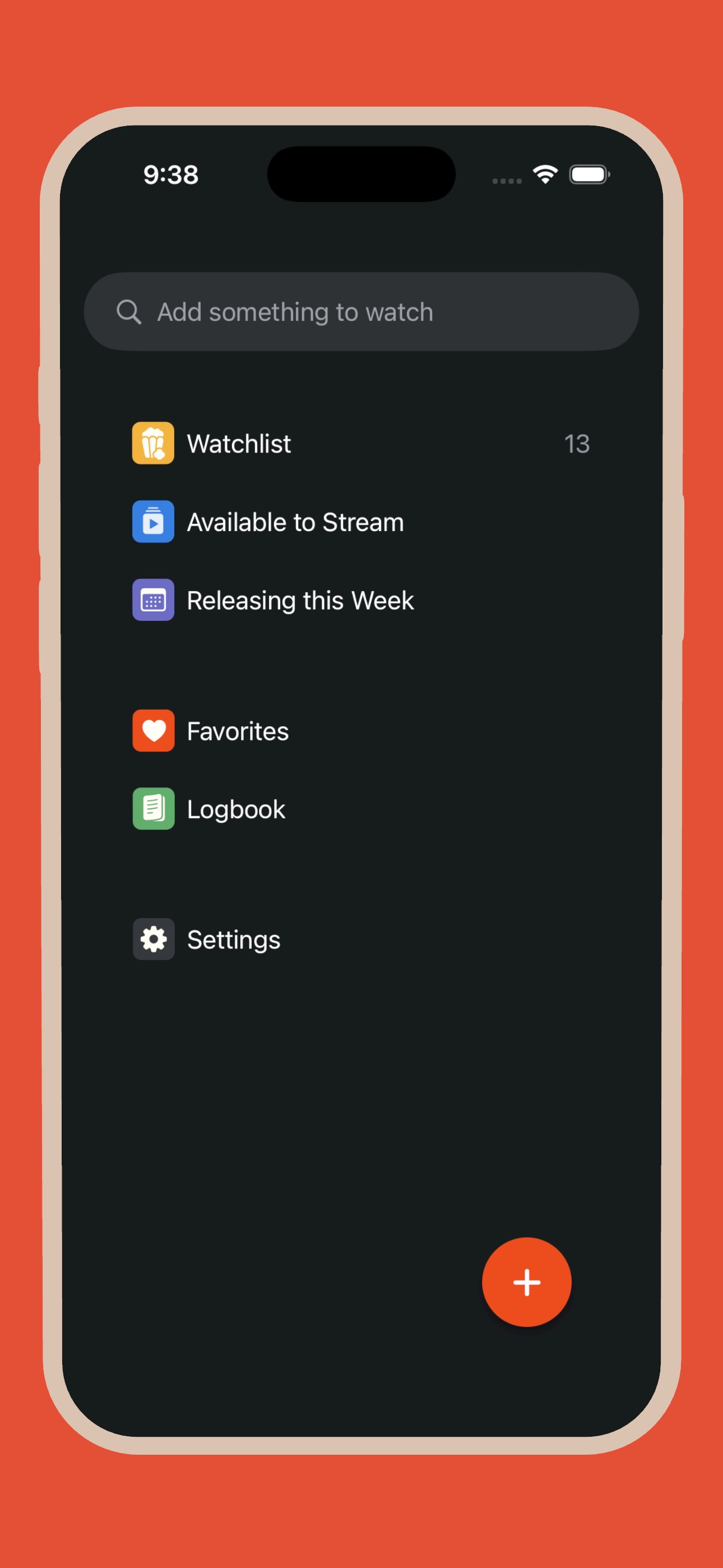
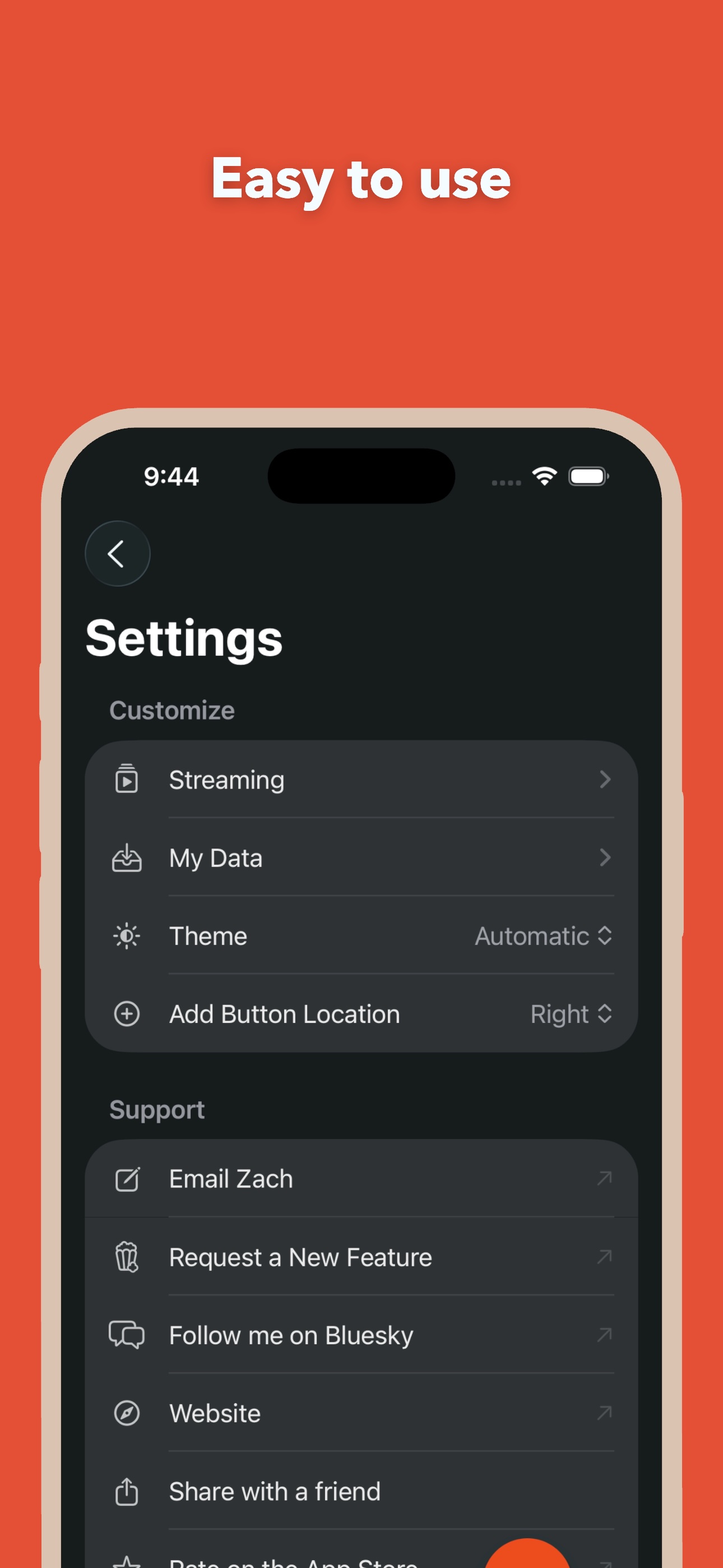
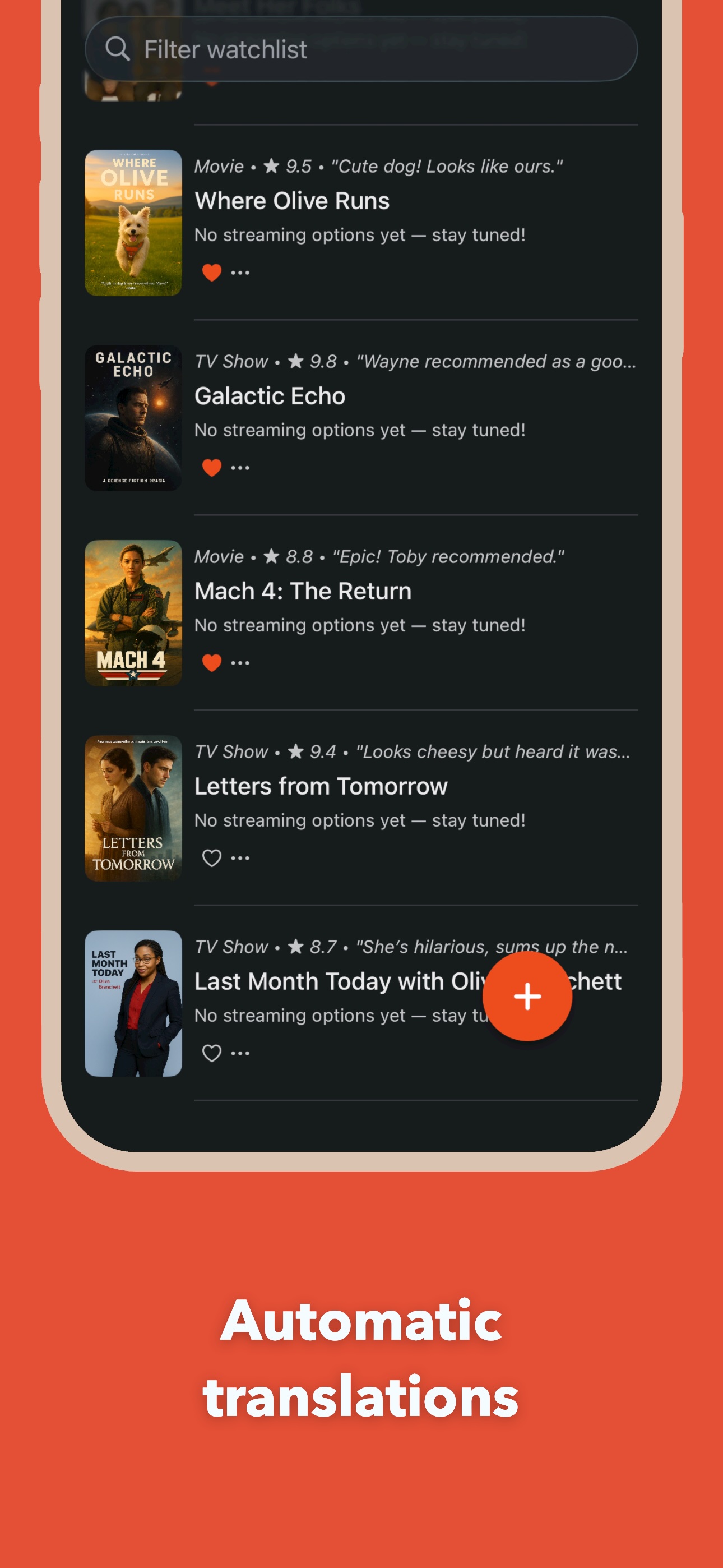
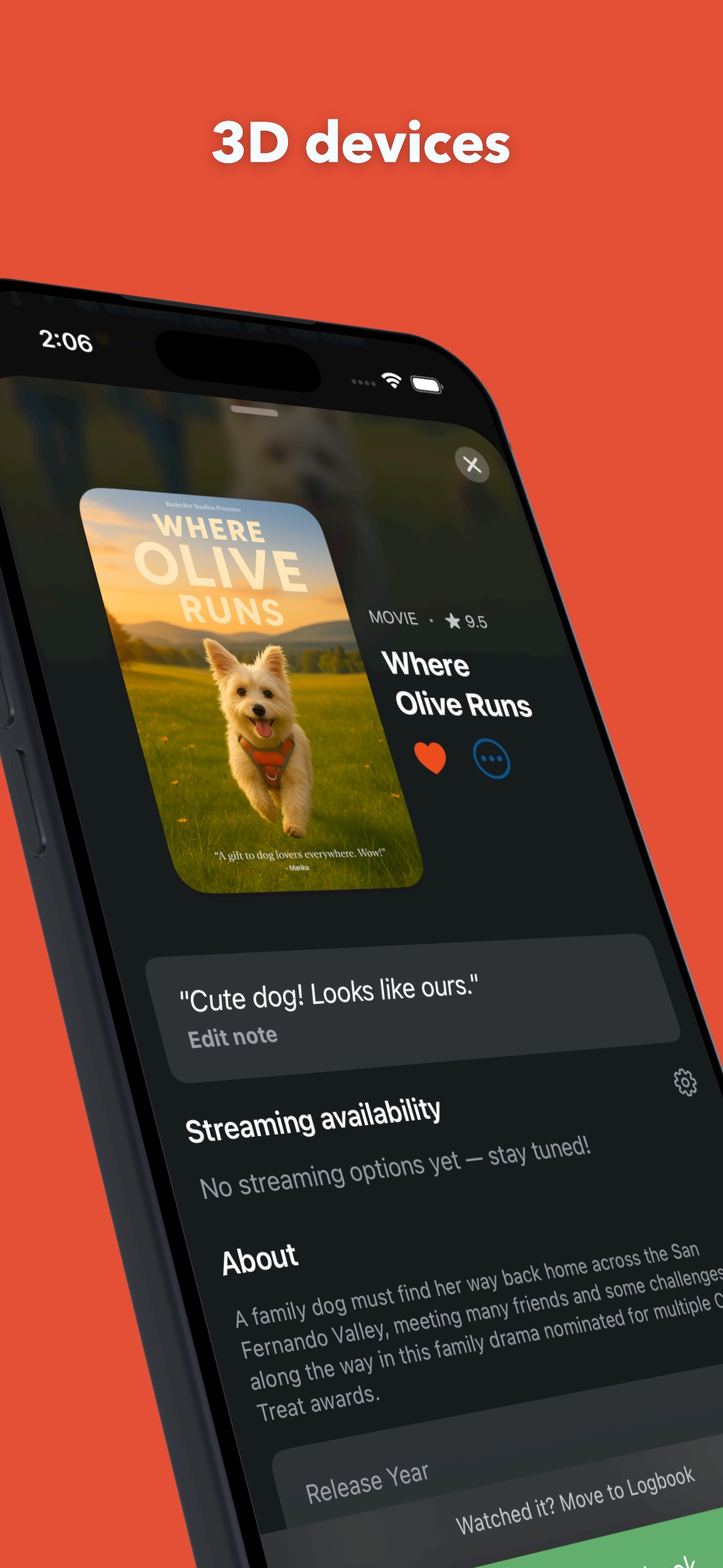
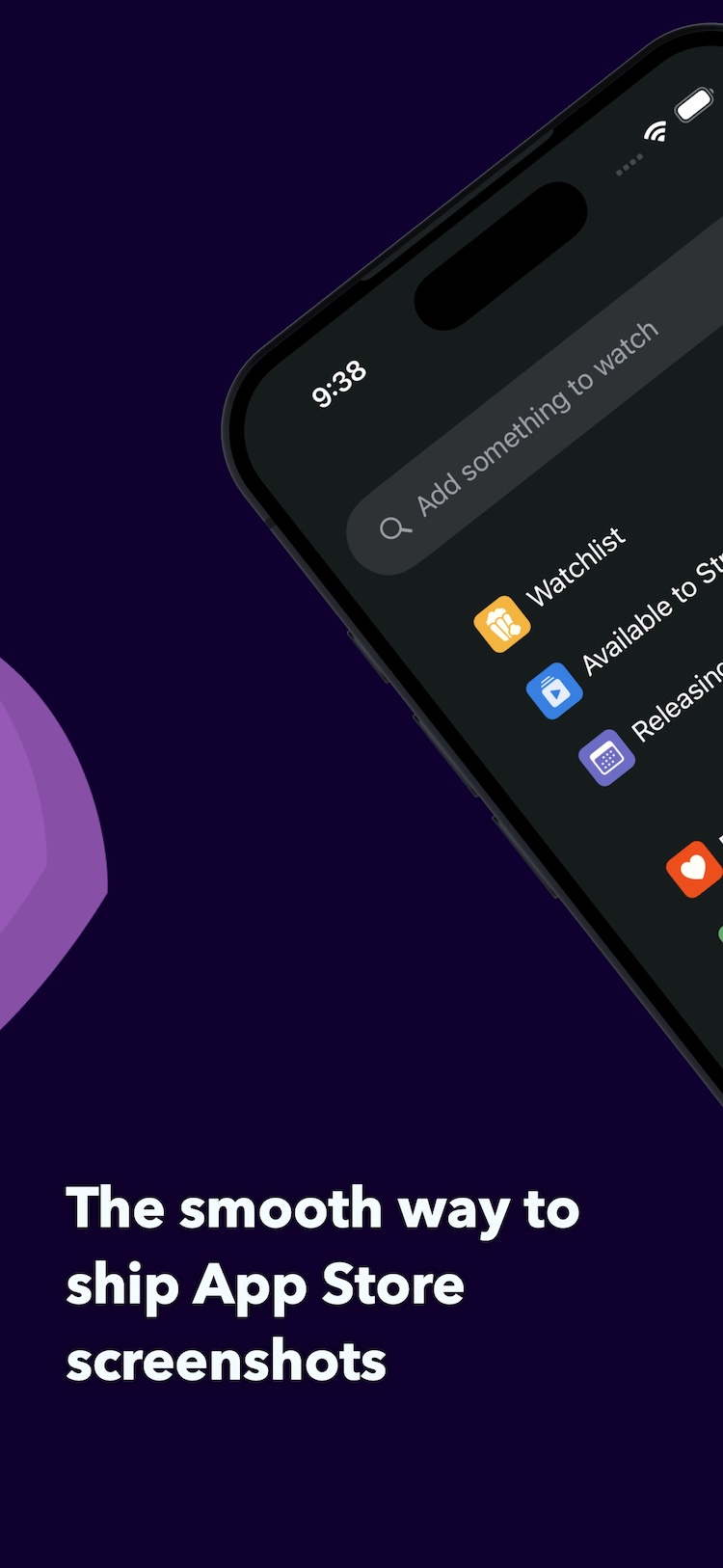
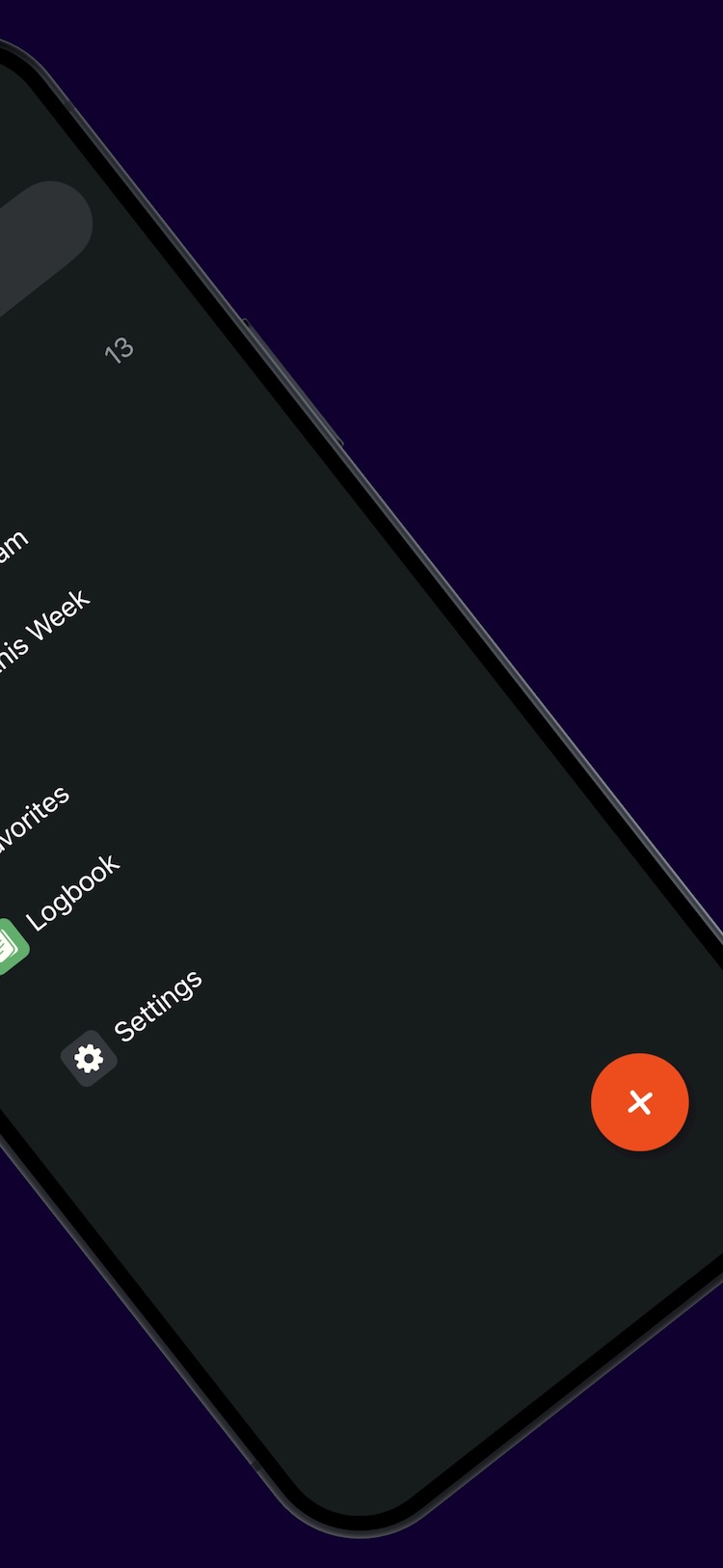
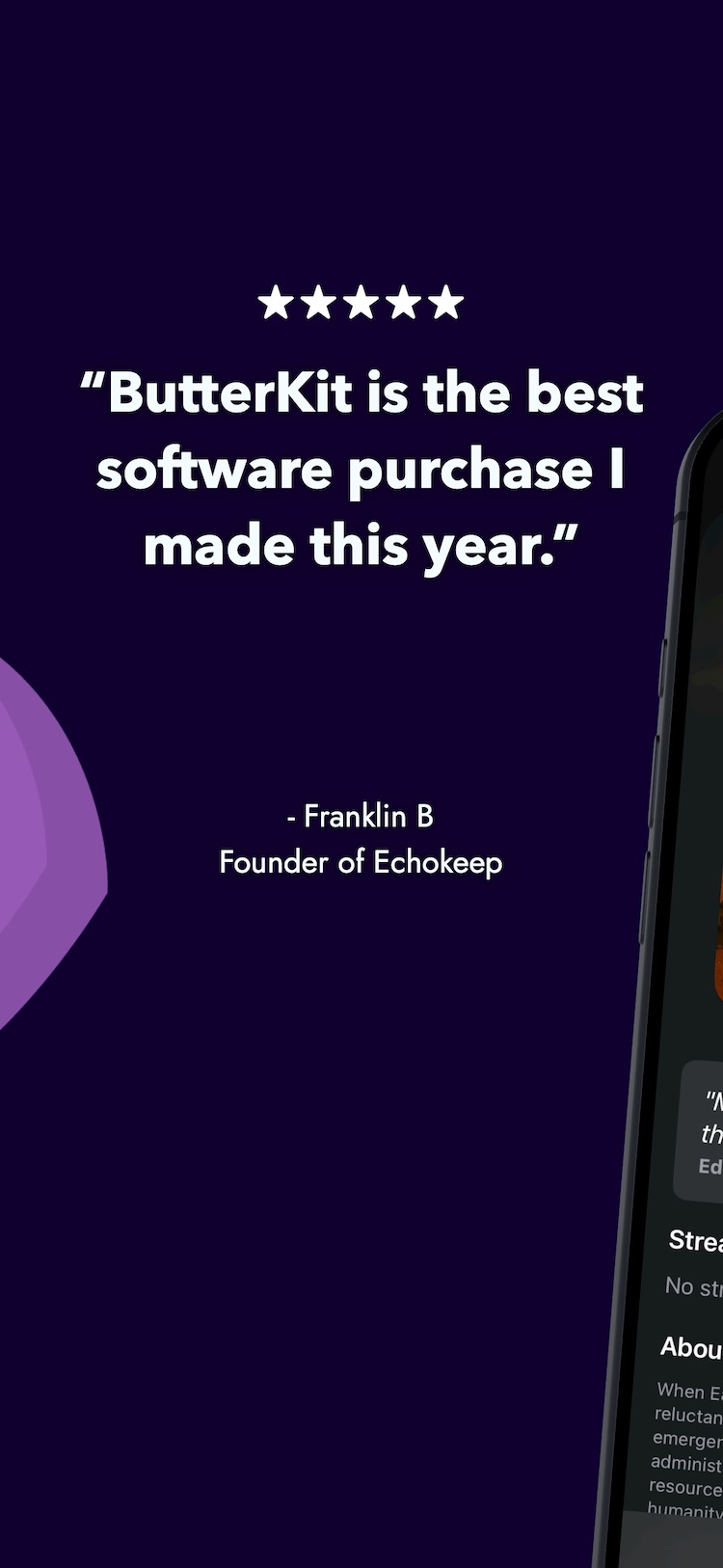
Actual screenshots made with ButterKit
Why ButterKit?
Trusted by devs, designers and makers around the world
Competitors
Legacy tools
What does Pro unlock? Is a subscription required?
ButterKit Pro removes the “Made with ButterKit” watermark on exports and unlocks cloud API usage, such as OpenAI, Gemini, Claude etc. Optional cloud API usage is billed separately by the provider if you choose to use it. ButterKit works without it.
ButterKit Pro has a “Lifetime” one-time purchase option, this is important to me as an avid software user. Lifetime licenses do not expire and include all updates released for the lifetime of this version. Major new versions in the future may be sold separately. If you choose to support ButterKit with a subscription, thank you so much. It genuinely means a lot and helps support ongoing development.
What platforms can ButterKit design for?
How does translation work? Do I need an API key?
ButterKit offers two translation engines:
On-device (Free): 20 languages/localizations. Accelerated by Apple silicon for low-latency results — even offline. Zero servers. Zero data leaves your device. No API key needed.
OpenAI (Pro): 39 languages/localizations (bring your own API key) with customizable temperature/creativity. The OpenAI engine is optional, API usage is billed separately by OpenAI. ButterKit works without it.
Do you offer discounts for educators, students, veterans, first-responders?

Made by real humans
I'm a dad, backpacker, developer, and former UX engineer. I started ButterKit because I saw firsthand how challenging, expensive, and unweildy marketing screenshots and localization can be. ButterKit is designed to be the smoothest workflow possible -- and it's more than a tool! We're a small and growing community of devs, designers, and makers on a mission to make screenshots and localization "as smooth as butter".
We develop in public; join us on Discord or the r/ButterKit subreddit to help shape the next release. I hope to see you there!
Smooth shipping,